
Email: [email protected]


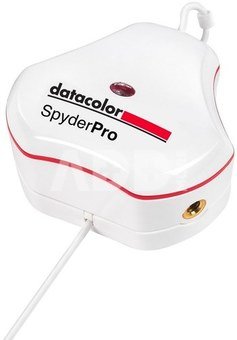
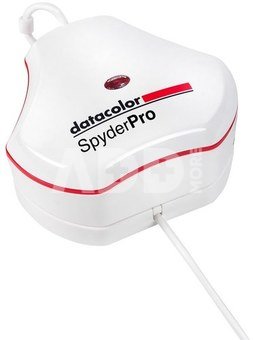
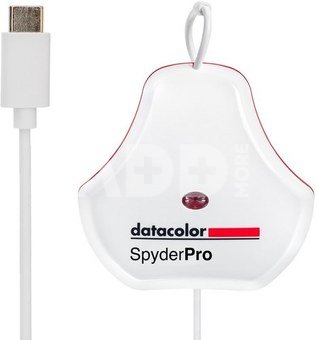
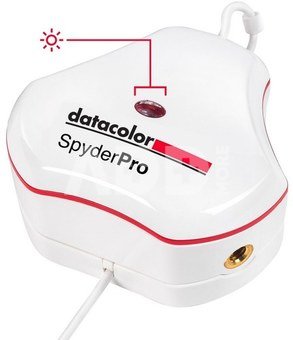
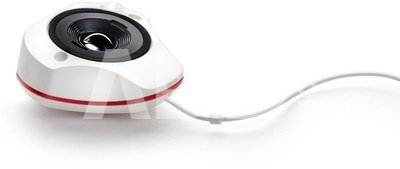
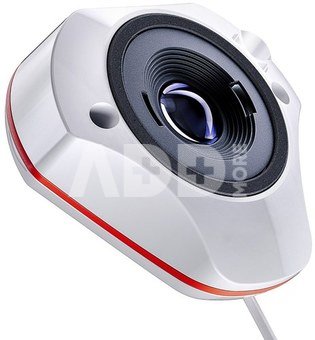
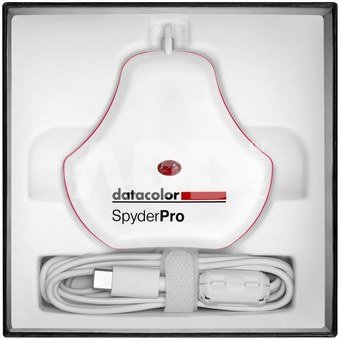
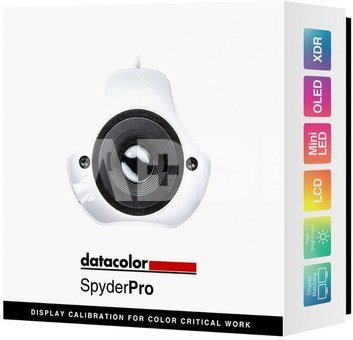
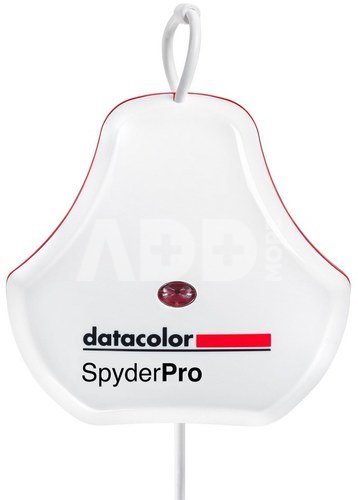
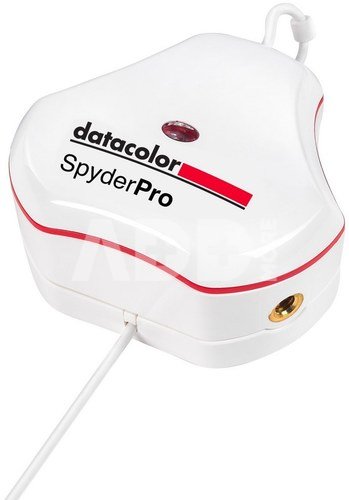
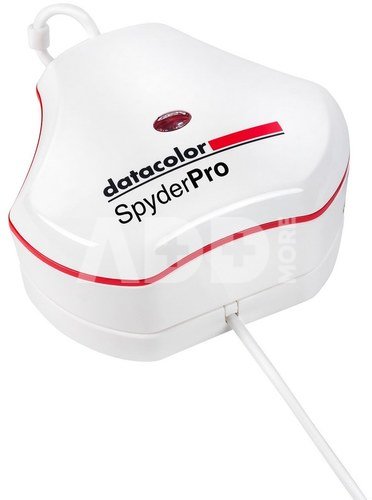
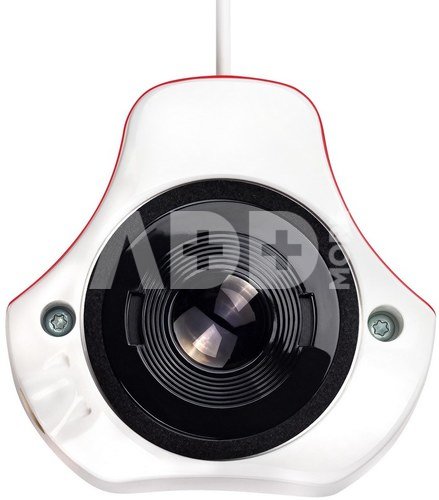
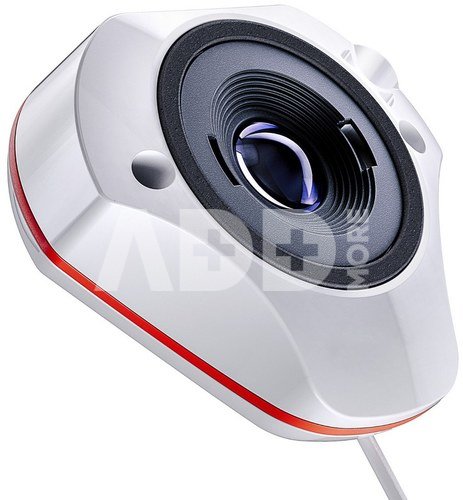
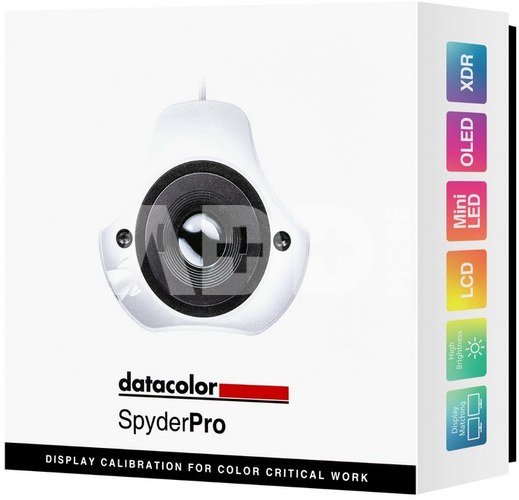
The Datacolor SpyderPro (SKU: SP2024PRO) is the ultimate monitor calibration tool designed to meet the demands of modern digital creatives across a wide range of industries, including photography, videography, content creation, and digital design. This advanced device ensures that the colors you see on your screen are true-to-life, giving you the confidence that your creative vision will be accurately represented whether viewed digitally or in print. The SpyderPro takes the complexity out of color management, offering both novice and experienced professionals a quick and easy way to calibrate their monitors in just 90 seconds. This not only saves valuable time in your editing workflow but also ensures that your starting point for editing is color-accurate, leading to stunning results with true-to-life color and fine detail. New OLED and Mini-LED calibration, High-Brightness calibration: up to 2000 cd/m2, New Spyder Software, USB-A Adapter included.
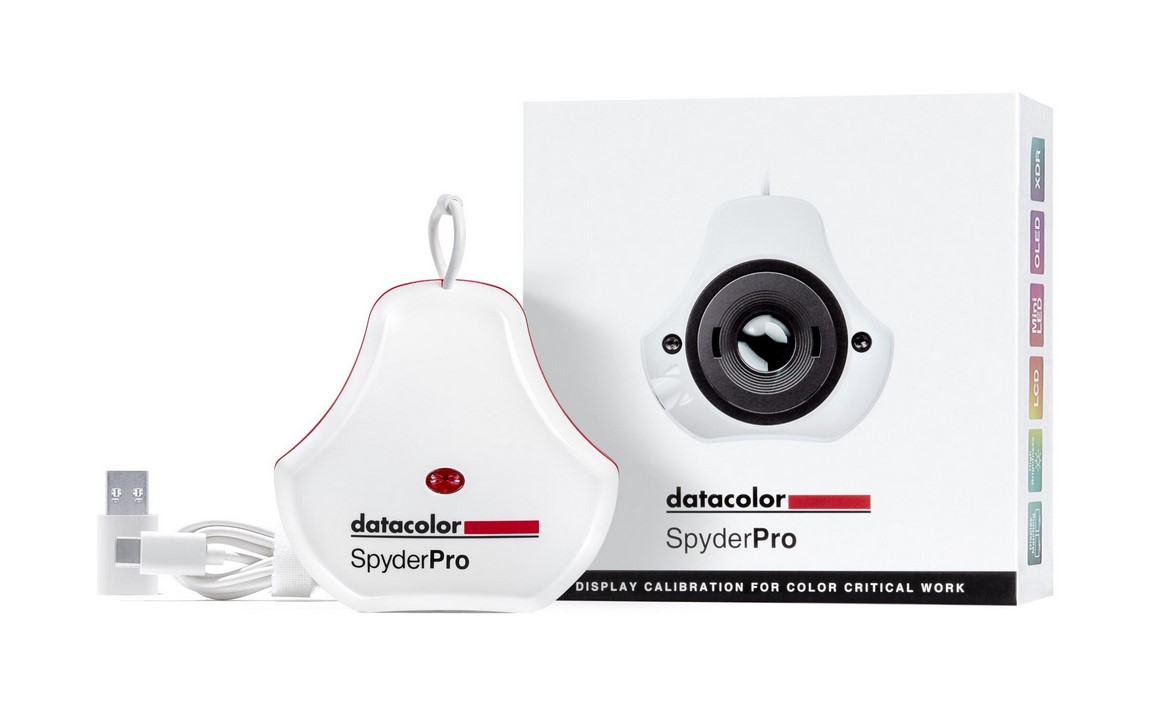
Digital creatives want to feel confident that the images or footage they capture, create, edit and view on their monitors will be portrayed as accurately as possible. Manually calibrating a monitor (laptop/desktop) is the first essential step in making this happen. It ensures a color-accurate starting point for editing, allowing users to express their creative vision and share their work, digitally and in print, as accurately as possible for an authentic connection to their audience. While monitors and displays may come factory-calibrated, it’s important for users to calibrate their monitor to support their own particular workflow as well as to ensure it maintains accurate color over time. Users should calibrate their monitors every two weeks, before undertaking color-critical work, or whenever there are changes in lighting conditions or locations. With the Datacolor SpyderPro, calibration only takes about 90 seconds, providing an accurate view into their digital world and maximizing the color performance and accuracy of the monitor for a user’s particular workflow. Even a trained eye cannot be relied upon for accurate color adjustment of a monitor. Our eyes and brains are designed to compensate for light and color, while the SpyderPro offers an unbiased assessment of monitor color accuracy. An accurate monitor allows users to see their image files clearly and edit with intention.
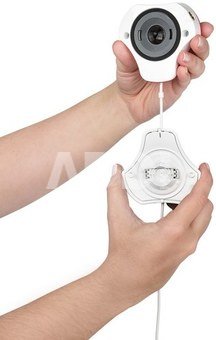
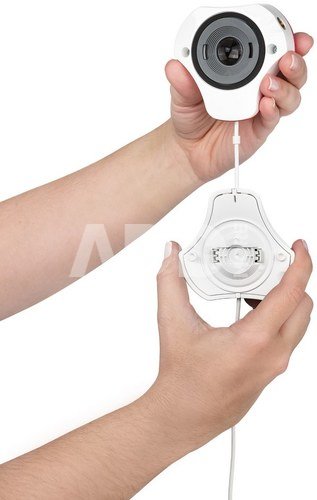
Portable, rugged, SpyderPro lets users streamline their workflow for photo, video, content creation, digital design, whether in the studio or on-the go. And now SpyderPro can calibrate an even wider range of monitors, including the latest technologies like OLED, mini-LED, Apple Liquid Retina XDR and high-brightness displays, allowing users to optimize color richness, deep shadows, nuanced highlights, and brightness versatility. Additional features such as SpyderPro’s StudioMatch and SpyderTune ensure color continuity across multiple monitors, whether using one or more computers. Datacolor SpyderPro Fact Sheet datacolor.com/spyder Datacolor’s exclusive Device PreviewTM Beta feature gives users an impression of how their images will appear on other devices without needing to use the actual devices. Displays, printers and devices have different capabilities when it comes to the range of color they can represent (color gamut). This can result in color distortion or poor reproduction when the same image is viewed across multiple devices. Device PreviewTM Beta lets users see an approximation of their photo for mobile devices by simply selecting one of the profile options listed for the latest phones and tablets. Users can also use this feature to softproof/preview how their prints will look for a specific printer model, paper and ink, and print service provider by using an ICC printer profile. SpyderPro offers users the ultimate in color control and flexibility for today’s digital workflows. Its intuitive software and one-click calibration presets guide novices to achieve professional results quickly and easily, while experienced professionals can leverage unlimited, fully customizable calibration settings (gamma, white point, and brightness), as well as Rec. 709 and Rec. 2020 video targets, to master color like never before.
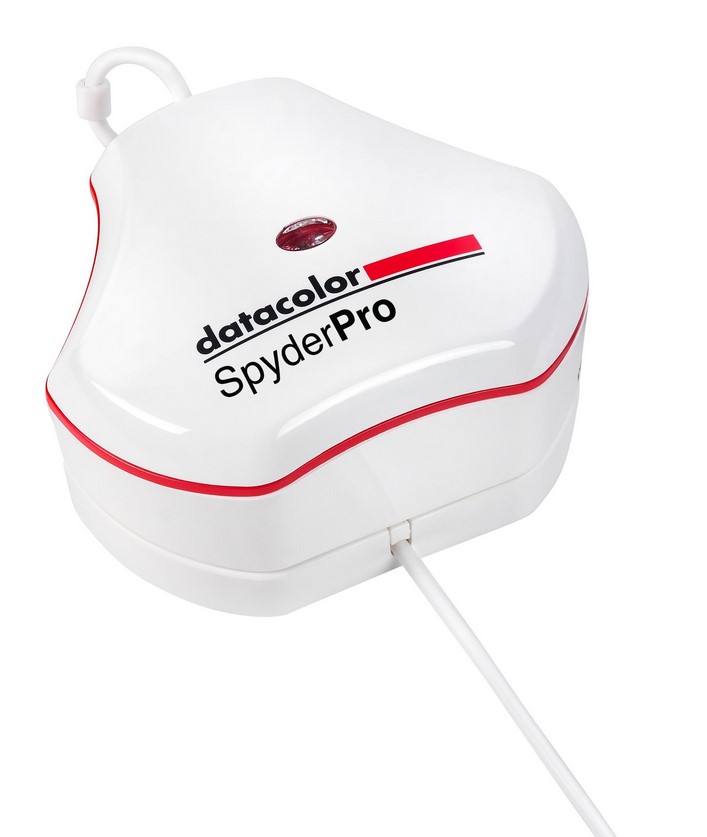
Datacolor SpyderPro lets you easily calibrate your monitor in only about 90 seconds, so you can be confident that you’re beginning your editing from an accurate color starting point, saving you valuable time and effort in your editing workflow. The result? True-to-life color and fine detail capture.
Intuitive software and one-click calibration ensures ease of use and professional results for even the most novice user. Additionally, unlimited calibration settings like fully customizable gamma curves, white point, and brightness settings, allow for advanced color control for a truly customized workflow that experienced professionals will appreciate.
SpyderPro now calibrates an even wider range of laptop/desktop and projector displays, including the latest technologies like OLED, mini-LED, and Apple Liquid Retina XDR so users can optimize the color richness, deep shadows, nuanced highlights and enhanced details these monitors make available. Additionally, it calibrates Wide and Standard LED gamuts, while affording workflow adaptability, allowing you to work in even the brightest of conditions with its high brightness feature. Working on-the-go with multiple portable displays attached to a single computer? The SpyderTune feature lets you adjust white point, gamma, and brightness for visual fine tuning for the best consistency across multiple displays.
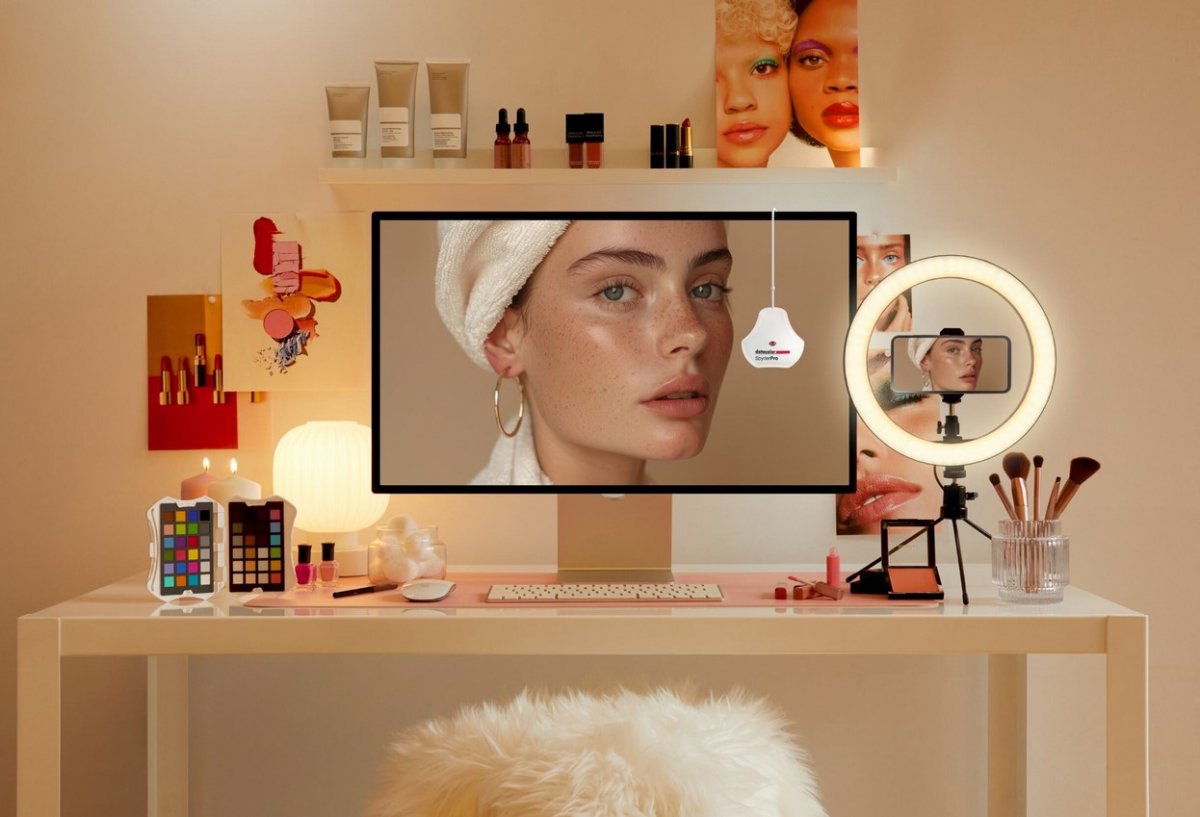
With Datacolor’s exclusive Device PreviewTM Beta feature, you’ll be able to simulate what your photos can look like on other devices on your own calibrated screen without uploading them to other devices for preview. Device PreviewTM Beta also allows you to soft proof your image in print so you can view how your image will appear on paper.
Multiple cameras and monitors, shifts in lighting, days of shooting, splicing footage – if your monitor’s color isn’t consistent, neither is your visual story. SpyderPro’s StudioMatch feature allows for side-by-side calibration for multiple computers/displays, ensuring consistent, accurate color reproduction across multiple connected monitors or computers.
The Advanced Display Mapping & Analysis feature of SpyderPro gives you detailed information about your monitor. You can check color/color uniformity, brightness, contrast, gamut, tone response, display accuracy and white point of your monitors to track color accuracy and consistency.
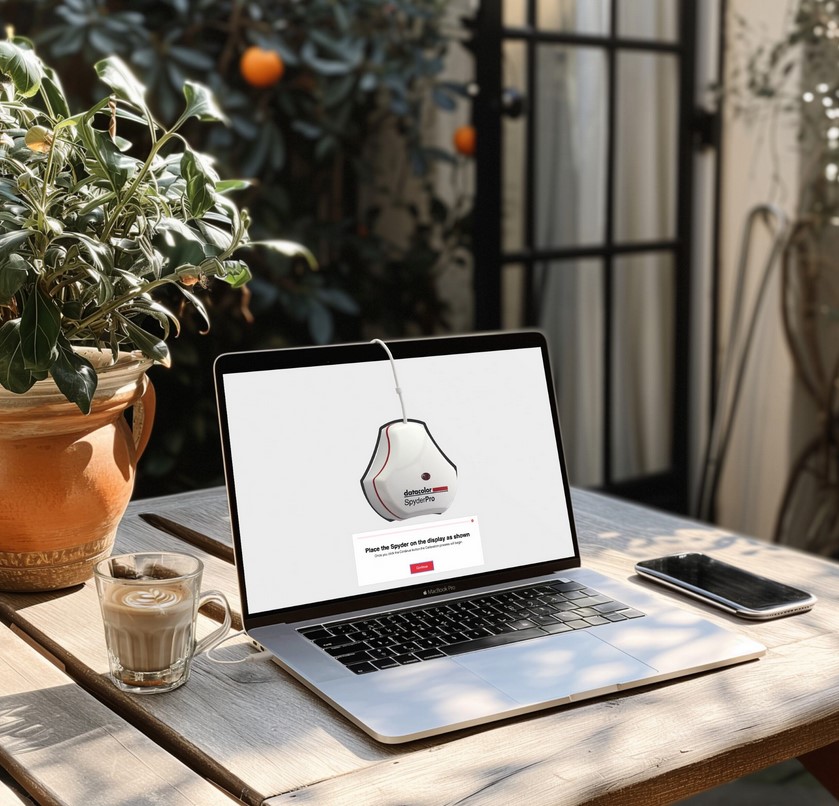
SpyderPro’s Gamma Curve Adjustment feature lets you refine tone distribution (how seamlessly black transitions to white). Gradations are enhanced so shadow and light details remain crisp and clear. You can also balance your display’s brightness settings based on your location and needs, for precise color accuracy to capture every detail.
Datacolor SpyderPro offers unlimited calibration settings for fully customized calibration for all workflows. Fine tune the gamma, white point and brightness settings for any need. There’s also a preset
list of the most common calibration targets, including those for video standards Datacolor SpyderPro Fact Sheet datacolor.com/spyder and StudioMatch. Willing to spend a bit more time for a more sophisticated calibration? Choose Better in Grey Balance in the calibration settings for smoother gradients. Pressed for time? Opt for the Faster setting.
Automatic Room Light Switching measures and tracks the lighting around you to make sure your current display profile is the one best suited for your environment. Not every task requires controlled lighting so allowing SpyderPro to adapt the calibration to your room lighting will ensure your monitor profile is optimal. During a Room Light Calibration, multiple profiles are created for different room lighting levels.
Some modern monitors have brightness levels for use outdoors or in other highly illuminated settings. SpyderPro’s High Brightness calibration setting balances these monitors when working in a bright environment for an accurate reference.
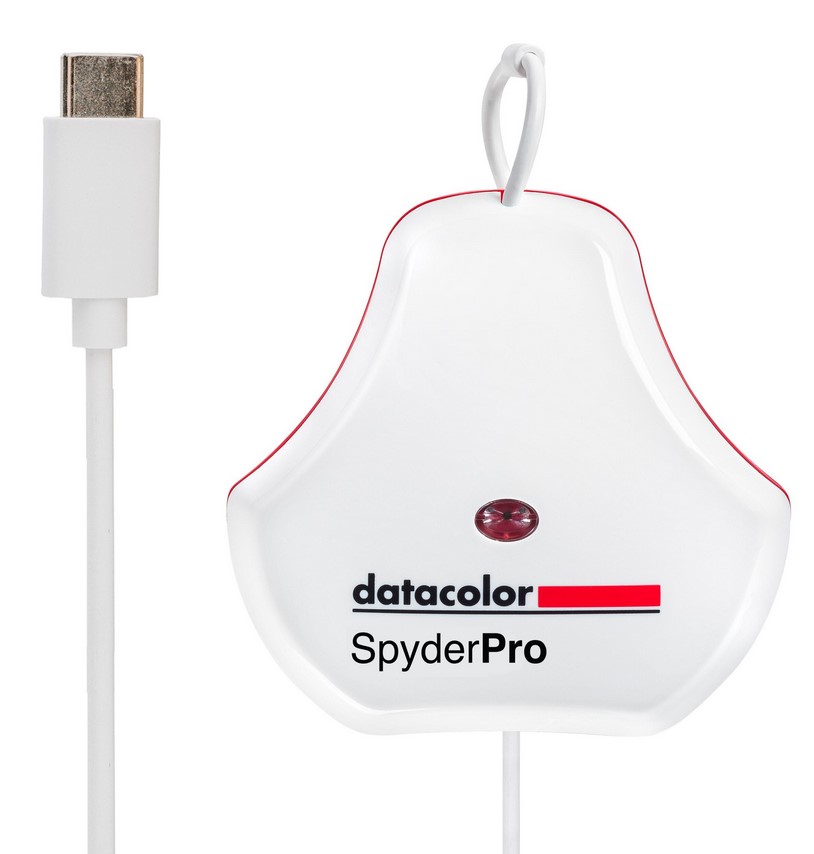
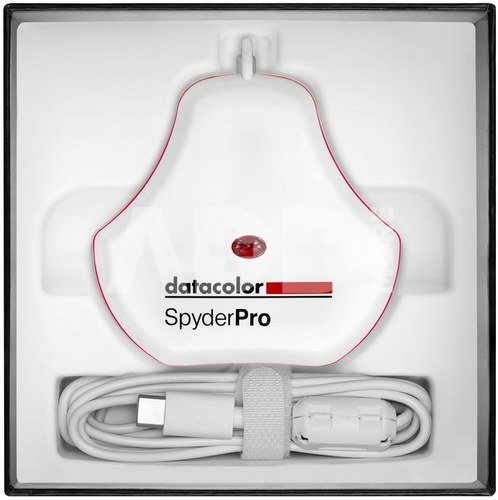
Native USB-C connection comes standard with the SpyderPro, along with an additional USB-A adaptor for added convenience when needed.
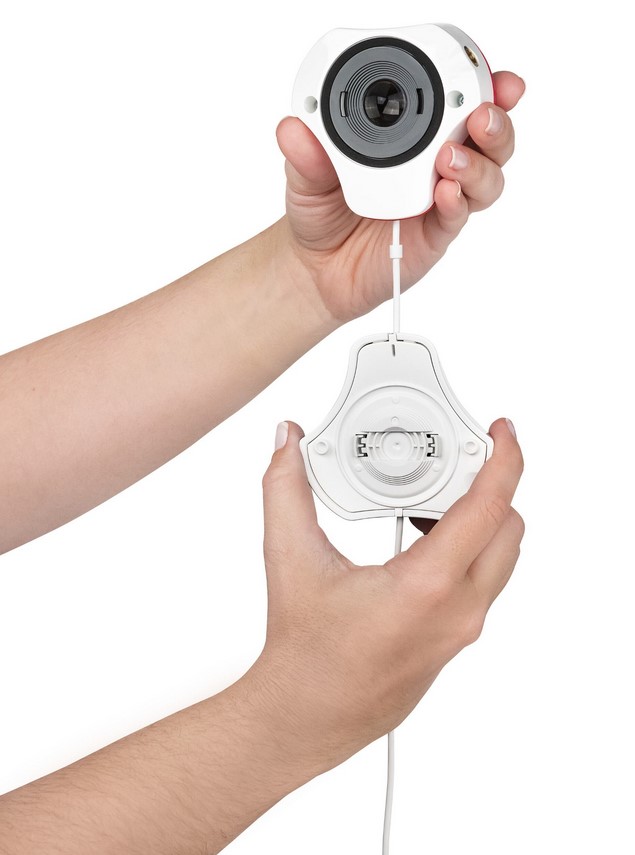
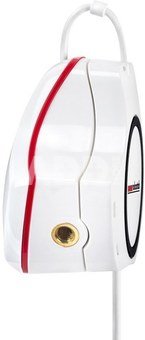
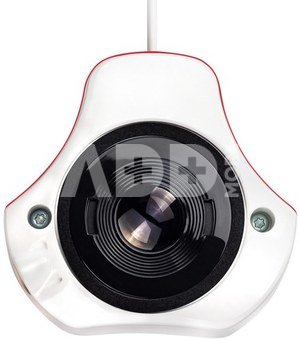
Package content: SpyderPro Sensor, Serial Number, Welcome Card with link to software and support resources, USB-A Adapter
System Requirements: Win 10 32/64, Win 11, Mac OS X 10.14 – macOS 14. Monitor resolution 1280x768 or greater, 16-bit video card (24-bit recommended), 1GB of available RAM, 500MB of available hard disk. Internet connection for software download and activation
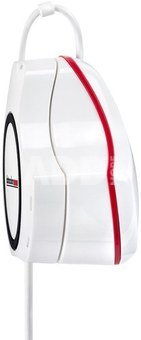
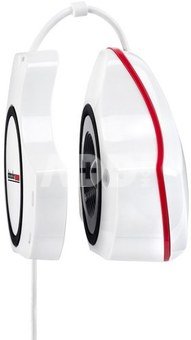
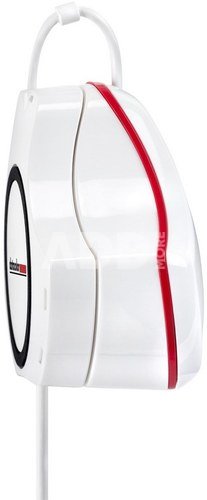
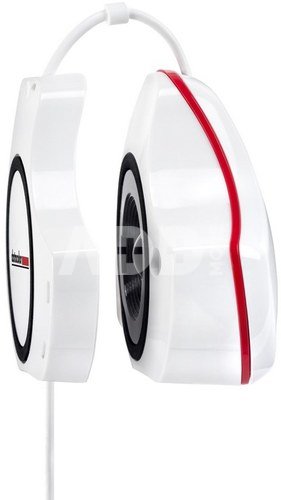
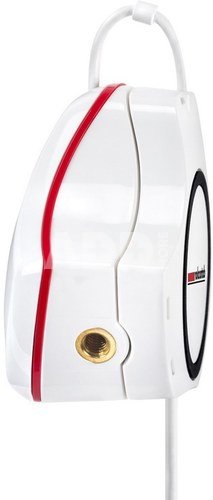
Dimensions (Single Unit (Hardware Device)): 7.62 x 7.62 x 4.45 cm - (length x width x height)
Weight (Single Unit (Hardware Device)): 142 g
USB Connection: USB-C (Includes USB-A Adapter)
Max Luminance: 2000 cd/m2
Backlight Types: 7 (Wide-LED, Standard LED, General (Wide and standard CCFL), GB LED, High Brightness, OLED, Mini-LED)
High Brightness Calibration: Yes
Projector Calibration: Yes
Gamma Curve Settings: Unlimited
Whitepoint Settings: Unlimited
Brightness Settings QTY: Unlimited
Brightness Settings: Unlimited
Display Analysis / MQA: Expanded
Weight 0.142 kg
Delivery time 5-19 w.d.
| Producer(?) | Datacolor |
|---|---|
| Weight | 0.142 kg |
| Delivery time | 5-19 w.d. |
| Product codes |
11069KVG SP2024PRO 0875720002586 875720002586 087572000258 |


Email: [email protected]







Reviews
0 average rating (0 votes)